How to play Pet Together.
Meet Nineleaf Pet Together. A cozy cat or dog to care for, a little home to make your own.
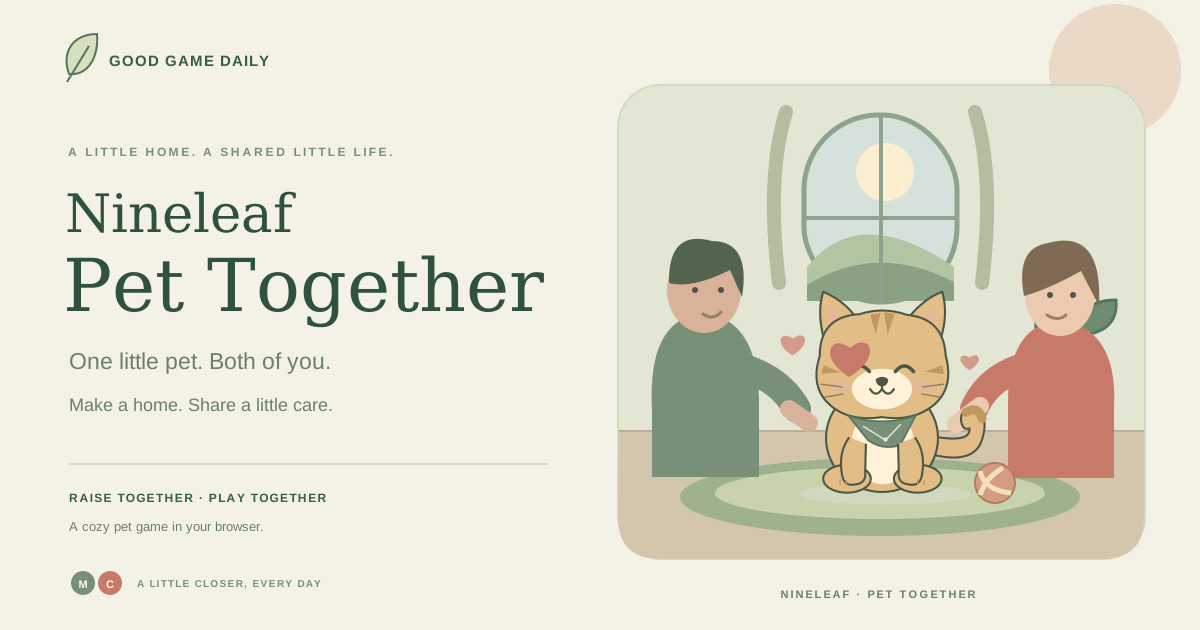
Try one carer for a quiet solo visit, or two carers for shared moments on the same screen. There is no countdown, account or cloud save.
Meet your pet →Your first visit, step by step.
Start by offering a snack, then choose A bubble bath. Moss pops the soap bubbles; switch to Coral for the splashes, then back to Moss for the soft clouds. Complete the activity to collect leaves and a growth memory.
Open Decorate to get a small accessory or a new bowl with your starter leaves. In Arrange room, drag the numbered furniture handles or use the direction buttons. Finish with a photo and export your first backup in Save & settings.
How to play Pet Together
- Bring someone home. Choose a cat or dog, a coat and a name. Pick one carer or share the screen as Moss and Coral.
- Care a little. Offer a snack, a gentle pet, a ball or a cozy nap. Needs change gently; your companion never dies.
- Do something together. Follow the activity prompts, switching carer for each person’s step. Try preparing a meal or finishing a bubble bath.
- Make a home, keep a memory. Use free leaves for decorations, arrange the room and take illustrated photos. Export a backup to keep the whole little world.
Pet Together: player questions
Can two people care for the same pet?
Yes. Choose two carers and share this screen. Switch between Moss and Coral for each person’s part of a meal, bubble bath or treasure trail. This is same-device play, not remote multiplayer.
Do we need to sign in?
No. Every pet activity works without an account, subscription or purchase. The pet, decorations, photos and memories stay in this browser.
Will my pet be sad or die if I miss a day?
Your pet never dies. Food, cleanliness and joy gently settle to a comfortable minimum, while energy recovers. Come back whenever you want, with no streak penalty.
How do shared activities work?
Start a little meal, bubble bath or treasure trail. Follow the picture prompts, then switch carer when the next step belongs to your partner. One-carer mode lets you complete every step yourself.
What are leaves for?
Leaves are free, in-game decoration points earned through care and activities. They cannot be bought, traded or cashed out. Daily earning limits keep the pace gentle.
How do I decorate our pet’s home?
Get a decoration with leaves, then equip it. In Arrange room, choose a furniture item and drag it, or use the direction buttons for precise placement. Both carers share one little home.
What does the album save?
The album holds up to 24 illustrated snapshots of your virtual pet and its room. It uses no camera and uploads no photographs. Download a favorite as a PNG before removing it.
Can I move my pet to another device?
Export a backup in Settings, then import that file in the same game on the other device. This is a manual transfer; there is no automatic cloud sync. Keep a recent backup somewhere you control.
What happens if I clear my browser data?
Local progress can be removed by clearing site data, using a private browsing session or changing browsers. Export a pet backup first. If storage is blocked, you can still play and export during the current visit.
Does the pet use an AI chatbot or send our care history away?
No. The pet uses original illustrations and built-in game rules. Care, choices, decorations and album data remain local. Optional anonymous site counting sends only a fixed page category, never your pet name or progress.