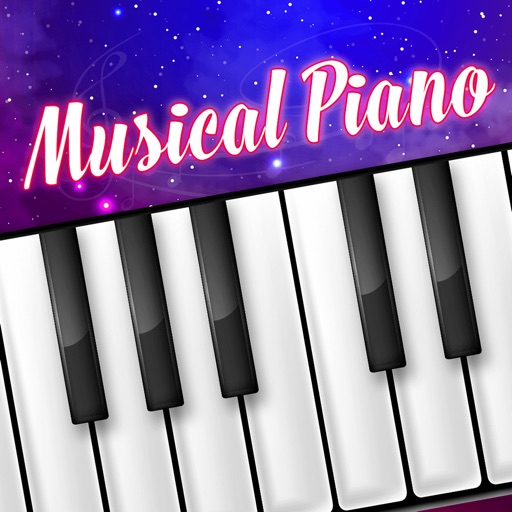
PianoGlow - play using either digital pianos (MIDI) or QWERTY keyboards (on-screen keyboard available). * Training modes such as ear training, sheet training, rhythm and falling notes! * Record and play back MIDI files, access them on your device's files. * Stunning visuals, particles and customizable effects.
GB
TAKE A LOOK AROUND
Inside the game.
Official screenshots supplied through Apple. Artwork belongs to the respective developer. Download on theApp Store ↗
Check the official page for current availability, supported devices and any in-game purchases.
ANSWERS FOR YOUR FIRST SESSION
PianoGlow - Virtual Piano gameplay guide and player questions
App Store edition · Researched Nov 5, 2026 · Guide updated Nov 5, 2026.
Source facts
What input methods can I use to play PianoGlow?
You can play the game using either digital MIDI pianos or your computer's QWERTY keyboard. If you prefer the latter, the application provides an on-screen keyboard interface to help you perform and interact with the musical notes.
What specific training modes are available for beginners?
To improve your musical skills, you can utilize several training modes. These include ear training to recognize pitches, sheet training for reading music, and a rhythm mode that uses falling notes to guide your timing during play.
How should I approach managing my musical recordings?
You might consider using the built-in recording feature to capture your performances. Once recorded, you can easily access and play back your MIDI files directly from your device's local file storage whenever you wish to review them.
AI-assisted research with automated evidence and consistency checks. Good Game Daily organizes publisher information into practical answers. Guidance is an editorial interpretation of those sources. These notes are based on source research rather than a firsthand playtest; editions and later updates may differ.
Check that your Apple device runs iOS 15.0 or later.
What’s new in 1.061.
Improved visuals and new heavenly clouds theme.
Release notes supplied by the developer through the App Store.
About PianoGlow - Virtual Piano
Developer description, as provided in the original store listing.
PianoGlow - play using either digital pianos (MIDI) or QWERTY keyboards (on-screen keyboard available).
* Training modes such as ear training, sheet training, rhythm and falling notes! * Record and play back MIDI files, access them on your device's files. * Stunning visuals, particles and customizable effects.
Good to know.
Developer
Kai Long Alan Du
Release date
Nov 5, 2025
Latest version
1.061
Requires
iOS 15.0 or later
Price snapshot
Free USD
Source checked
Nov 5, 2026
Apple App Store lookup ↗ · Store ratings, prices, and availability can change. Check the App Store for your region.
A few quick answers.
Is PianoGlow - Virtual Piano available on iPhone?
PianoGlow - Virtual Piano is listed on the GB App Store. Availability varies by region and compatible device.
Is PianoGlow - Virtual Piano free?
The recorded download price is free. In-app purchases, subscriptions, or additional content may cost extra. Source checked Nov 5, 2026.
How is the game’s social activity measured?
Good Game Daily compares available samples of recent game mentions with the preceding 24-hour window. Coverage and source failures are disclosed. Read the methodology.