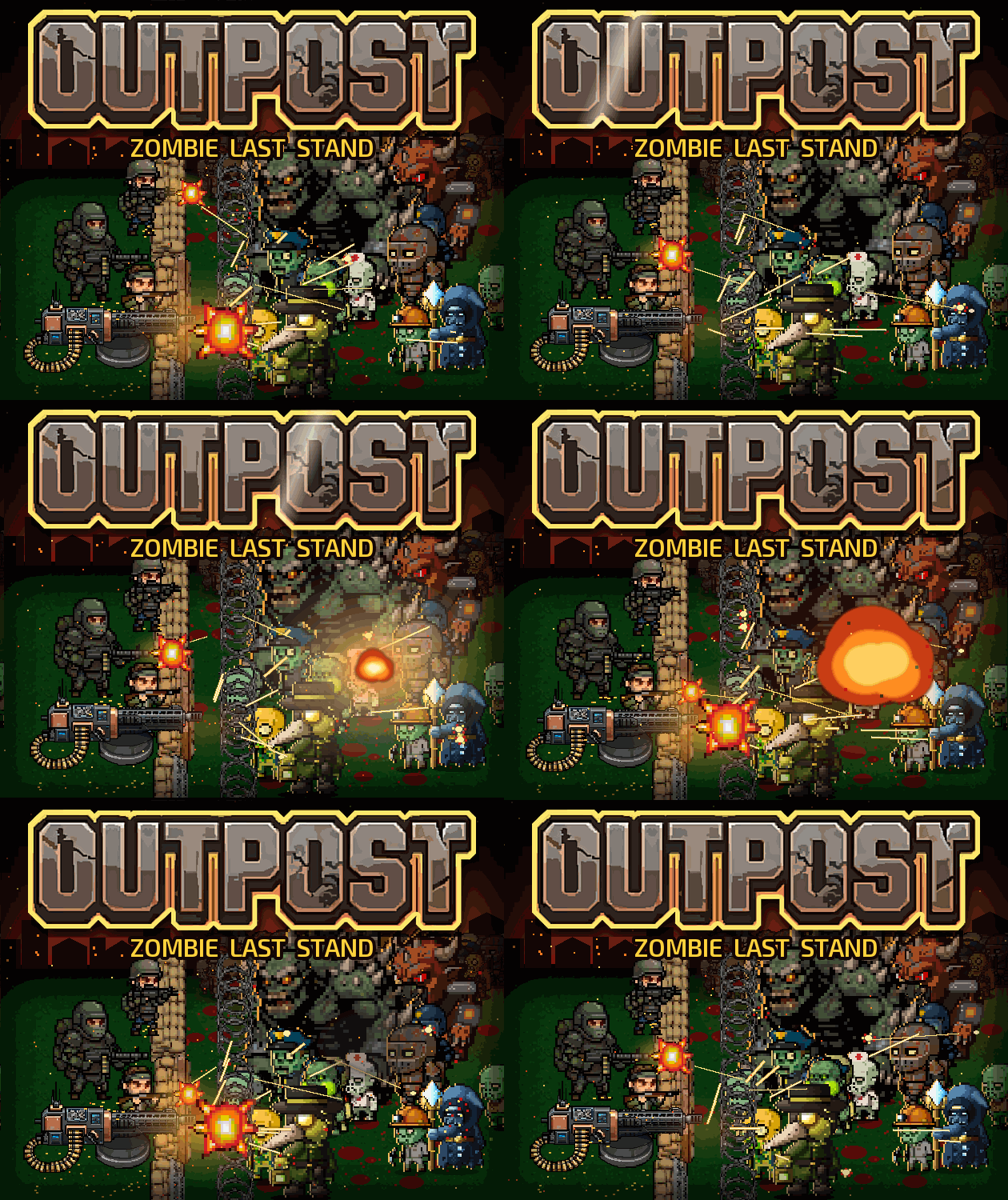
Check the official page for current availability, supported devices and any in-game purchases. Browser controls may require a keyboard or mouse.
ANSWERS FOR YOUR FIRST SESSION
OUTPOST: Zombie Last Stand gameplay guide and player questions
itch.io browser edition · Researched Nov 3, 2026 · Guide updated Nov 3, 2026.
Our guidance
How do I manage my weapon during combat?
You must monitor your gun's heat levels during the fight. If the weapon overheats, you should perform a perfect reload by pressing the R key to maintain your defensive fire against the incoming zombie horde.
What is the primary objective when the wall falls?
When your defensive wall falls, the current run ends. However, you retain your collected DNA, which allows you to access the Lab and purchase upgrades, ensuring that your next attempt can progress further than the previous one.
How should I approach character progression and card selection?
You can select cards after odd-numbered waves and boss encounters. You might consider building your strategy around specific themes like fire, frost, or turrets, as these card sets provide bonuses and evolutions that change how your build plays.
AI-assisted research with automated evidence and consistency checks. Good Game Daily organizes publisher information into practical answers. Guidance is an editorial interpretation of those sources. These notes are based on source research rather than a firsthand playtest; editions and later updates may differ.
YOUR NEXT STEP
Set up a browser session
For OUTPOST: Zombie Last Stand · itch.io browser edition.
The developer lists these inputs: Keyboard, Mouse. Check browser and device compatibility before starting.
The listed average session is about a half-hour. Your session can vary; check how saving works before closing the page.
Use the browser build on the official page. Optional downloads can have different features and prices.