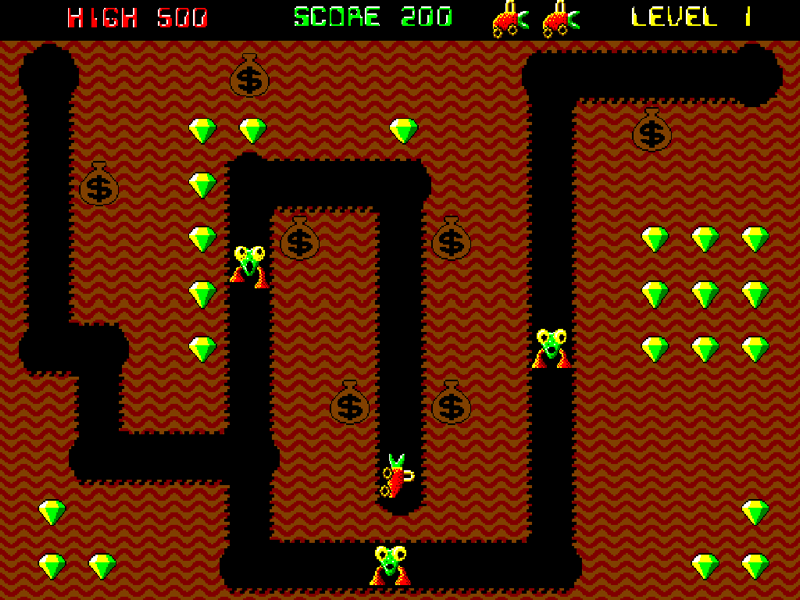
A hand-drawn papercut desktop pet with blind-box collecting and Pomodoro focus. A fridge-bellied grandpa and a big-mouthed cow cat live in your screen corner
DESCRIPTION SUPPLIED BY THE DEVELOPER THROUGH STEAM
Check the official page for current availability, supported devices and any in-game purchases.
ANSWERS FOR YOUR FIRST SESSION
iceMan gameplay guide and player questions
Steam edition · Researched Nov 2, 2026 · Guide updated Nov 2, 2026.
Our guidance
How do I acquire new items in iceMan?
To collect new items, you should interact with the cat character. By booping the cat's nose, you will roll for blind-box tokens, which serve as the primary method for gathering the game's various collectibles and retro surprises.
What is the core mechanic for unlocking new animations?
The game features a merging mechanic to progress your collection. You must successfully merge three-of-a-kind items together to unlock new animations for the characters, which helps keep the desktop pet experience fresh while you work or relax.
What is the primary purpose of the iceMan desktop pet?
iceMan functions as a Pomodoro companion designed to live on the edge of your screen. It provides retro performances and animations to entertain you while you focus on your work or take time to relax.
AI-assisted research with automated evidence and consistency checks. Good Game Daily organizes publisher information into practical answers. Guidance is an editorial interpretation of those sources. These notes are based on source research rather than a firsthand playtest; editions and later updates may differ.
YOUR NEXT STEP
Try a sample before deciding on the full game
For iceMan · Steam edition.
Open the separate demo listing and check its own requirements. The full game lists Windows; the demo can differ.
Use the demo to check whether the controls, readability and pace suit you. Save transfer to the full game is not verified here.
The full game is marked coming soon. A full-game price is not verified here; check the store before deciding.